Resizing
Resize images on the fly using the w and h query parameters. Aspect ratio is always preserved and images are never upscaled.
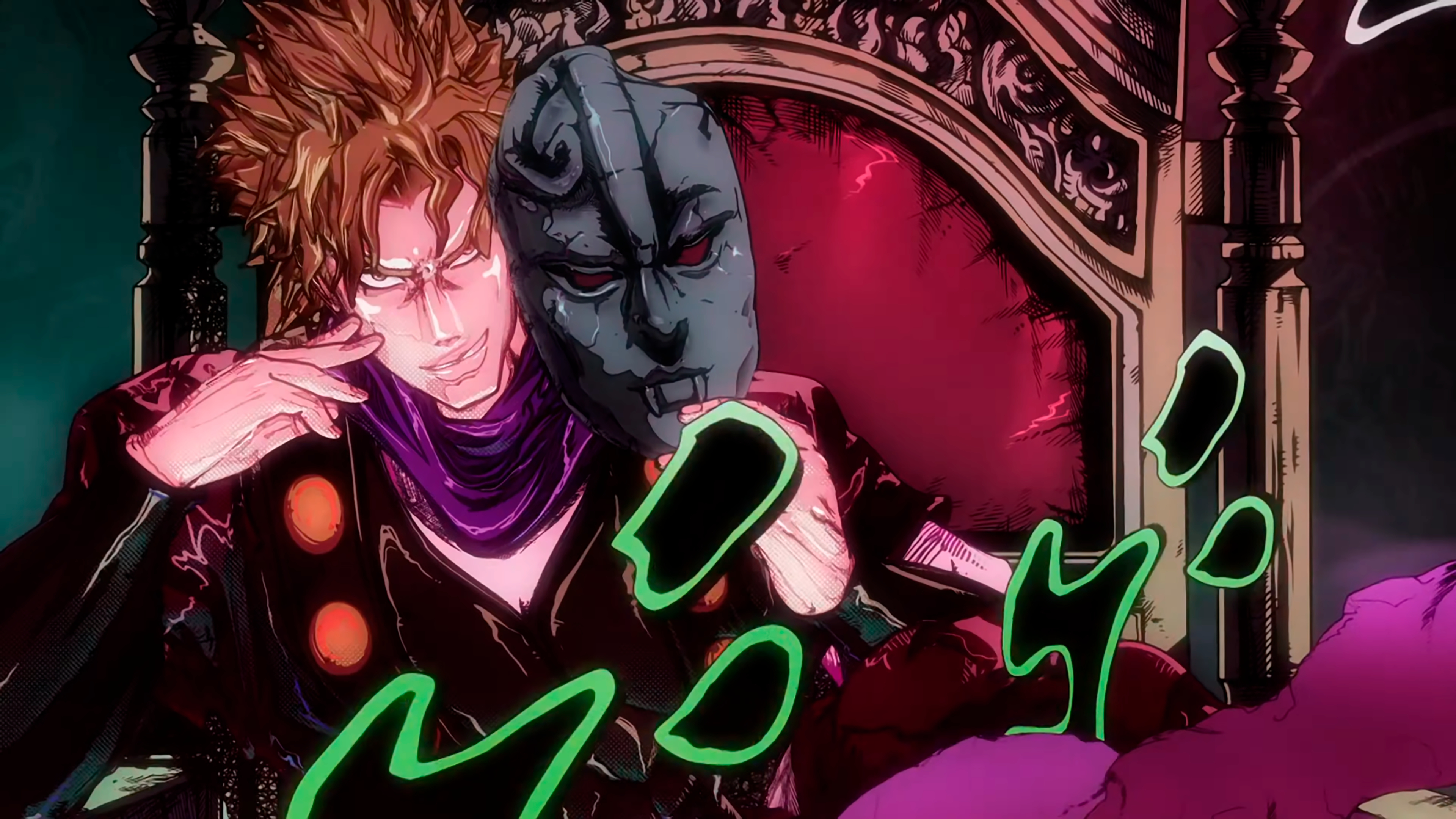
Requested:
720px → Served: 720px The served value is snapped up to the nearest size step.
/images/examples/jojo-dio.jpg?w=720 Parameters
| Parameter | Description | Example |
|---|---|---|
w | Target width in pixels | ?w=800 |
h | Target height in pixels | ?h=600 |
Behavior
| Parameters Provided | Result |
|---|---|
Width only (?w=800) | Height is calculated to preserve aspect ratio |
Height only (?h=600) | Width is calculated to preserve aspect ratio |
Both (?w=800&h=600) | Uses whichever dimension results in the larger output (contain behavior) |
| No params | The image is served at its original dimensions |
No upscaling
If the requested size is larger than the original image, the original dimensions are kept. The worker never upscales an image.
Supported input formats
Dimensions are read directly from the binary headers of the original image. The following formats are supported:
| Format | Metadata Read |
|---|---|
| PNG | Dimensions from the IHDR chunk |
| JPEG | Dimensions from the SOF marker |
| WebP | Dimensions from VP8/VP8L frames |
If the format is unrecognized, the image is served without resizing.
Step snapping
Requested dimensions are snapped to the nearest size step before processing. For example, ?w=500 snaps to w=720 with the default step configuration.
Examples
/photo.jpg?w=400
/photo.jpg?h=300
/photo.jpg?w=800&h=600